# Image Popup
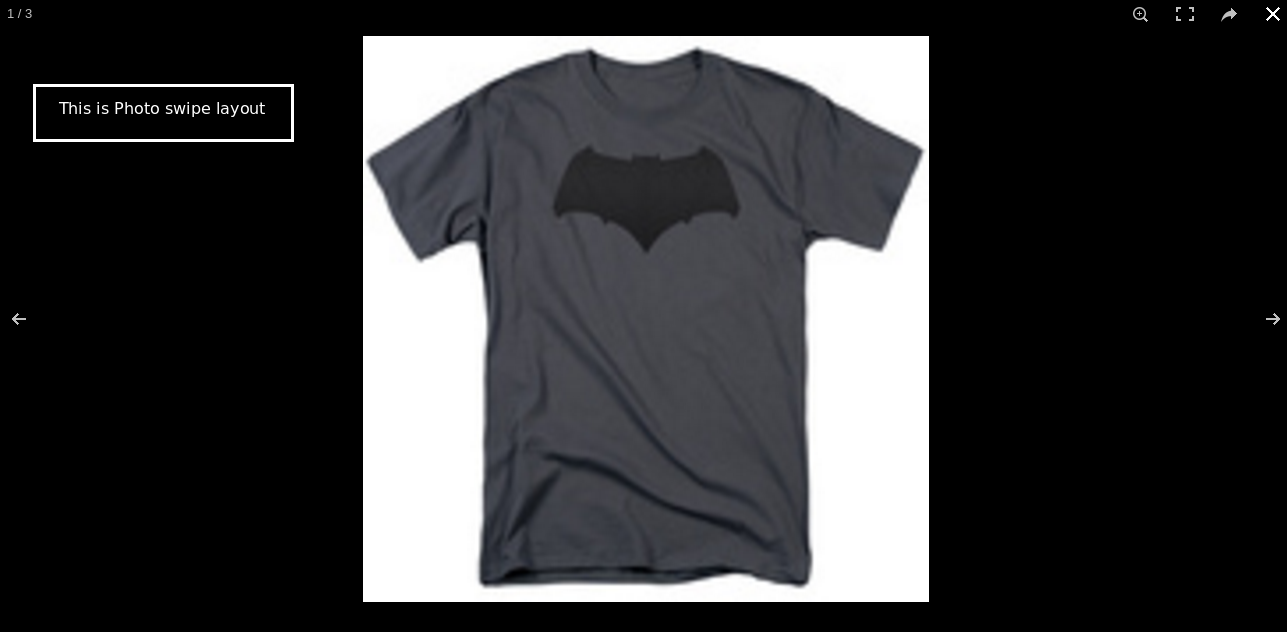
This app allows customers to view the product images (main image and additional image) in a pop-up. The following features are possible with this app
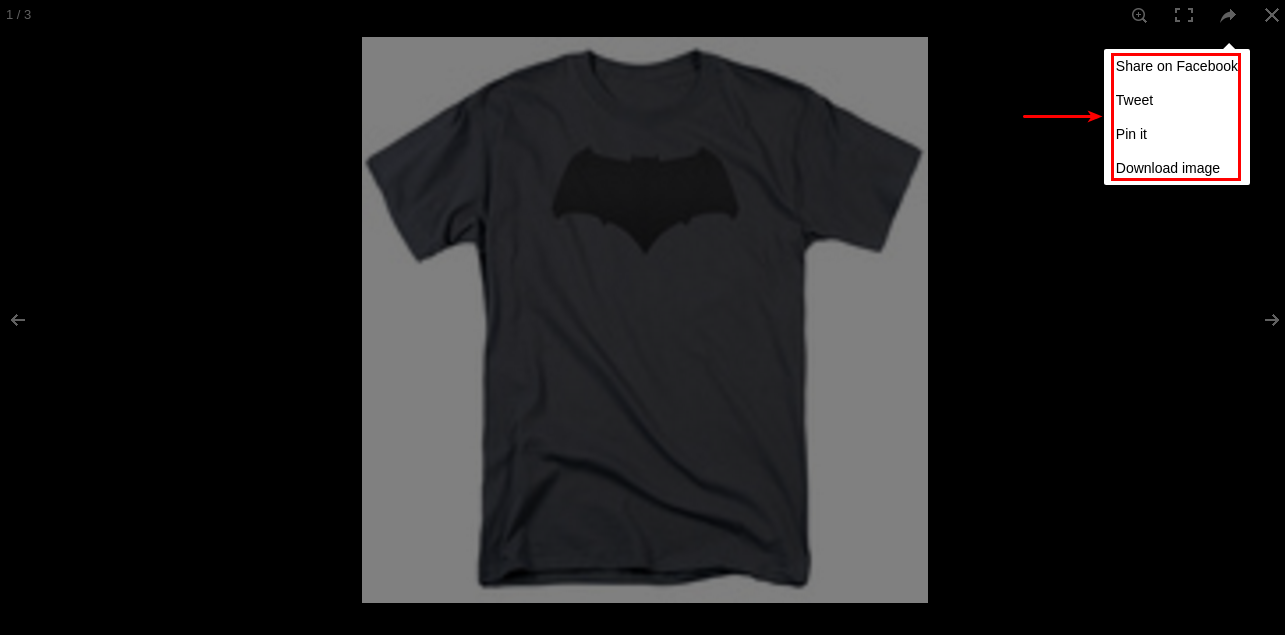
* Download the product image
* Share and tweet on social media
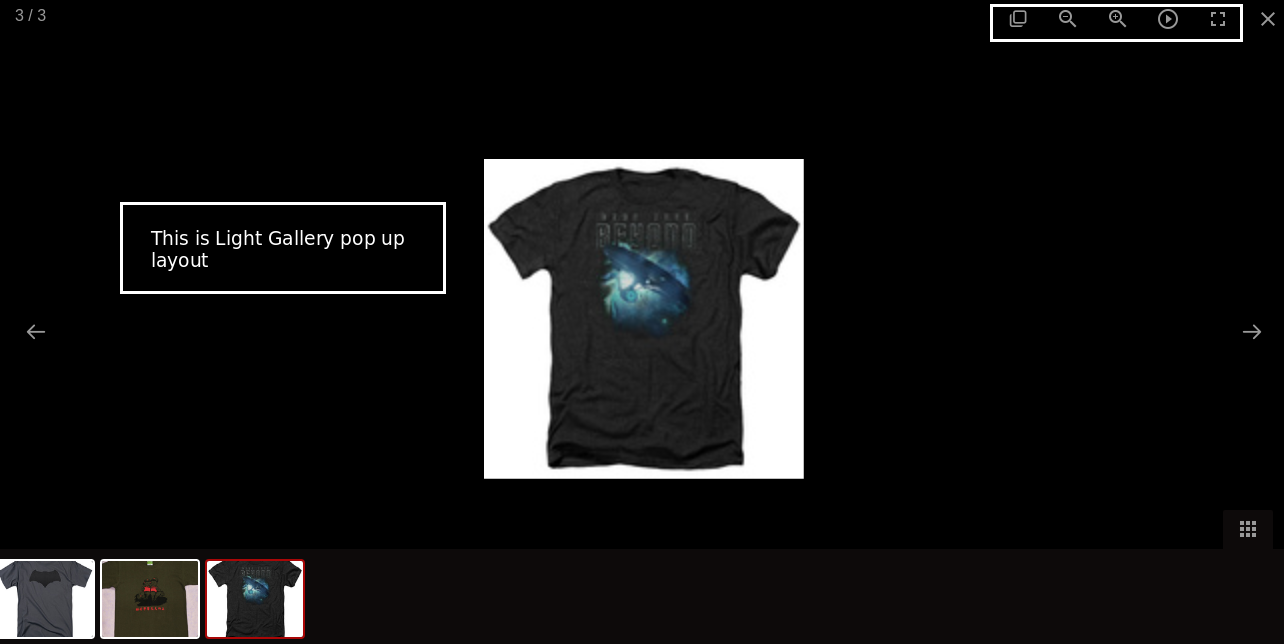
* Zoom in / Zoom out
* Slideshow image
## Requirements
1. PHP 8.1.0 +
2. Joomla! 4.x/ Joomla! 5.x +
3. J2Commerce / J2Store 4.x +
## Installation
**Step 1:** Go to our [J2Commerce website](https://www.j2commerce.com/) > Extensions > Apps
**Step 2:** Locate the Image Pop-up App > click View Details > Add to cart > Checkout.
**Step 3:** Go to your My Downloads under your profile button at the top right corner and search for the app. Click Available Versions > View Files > Download Now
**Step 4:** Use the Joomla! installer to install the app. Go to System > Install > Extensions > Download the app
**Step 5:** Go back to System > Manage > Extensions.
**Step 6:** Search for the app and enable it.
## Settings
Now it's time to open the app and configure the settings.
**Step 1:** Go to Components > J2Commerce > Apps
**Basic Settings**
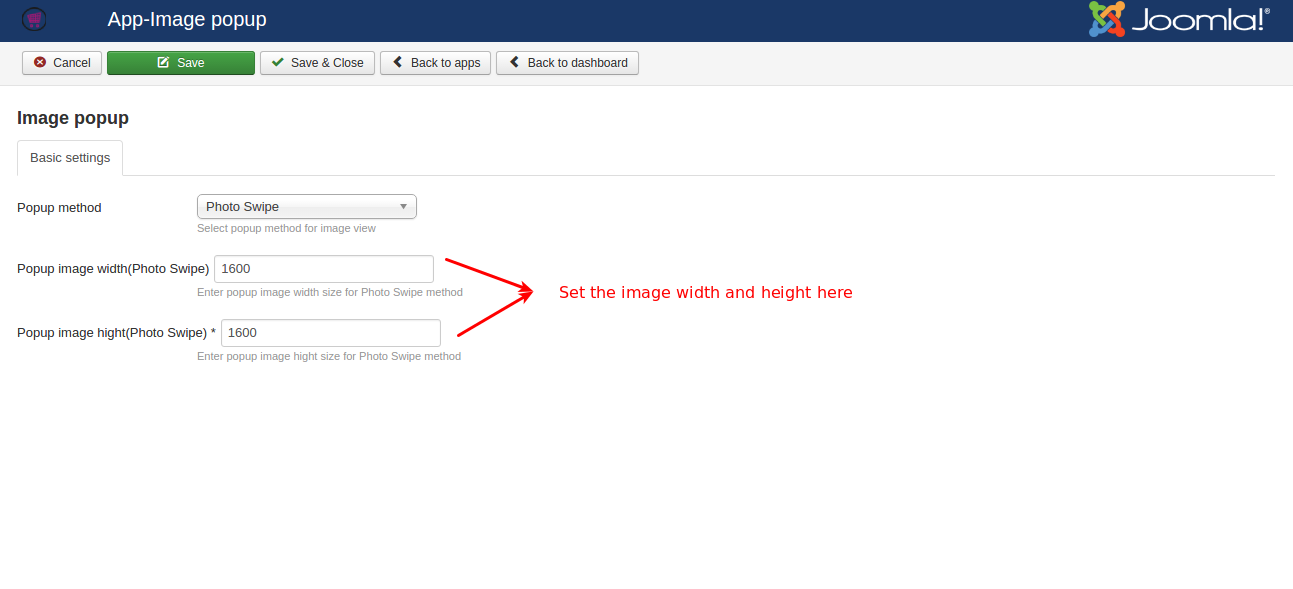
**Popup method:** The image will be displayed in the popup method selected here. There are three methods available such as Photo Swipe, Light Gallery, Fancy Box.
* Photo Swipe: This method allows you to swipe the image in a pop-up, and you will have the share feature to share or tweet the image on social media.
* Light Gallery: This type of popup method displays the image in a gallery type and it has the feature of slideshow, zoom in, and zoom out.
* Fancy Box: This type of popup method displays the image in a small fancy box.
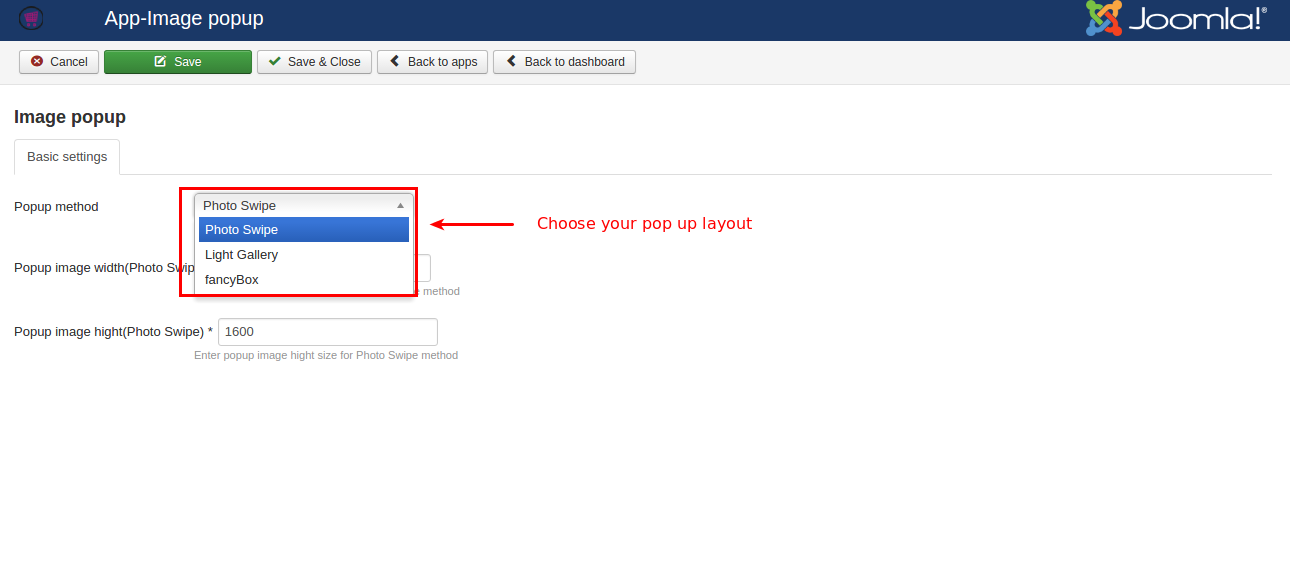
**Popup image width** (Photo Swipe): Set the width of the image to be displayed in the Photo Swipe method.
**Popup image height** (Photo Swipe): Set the height of the image to be displayed in the Photo Swipe method.
**Frontend Demo**